Learn the basics of working in Adobe Photoshop!
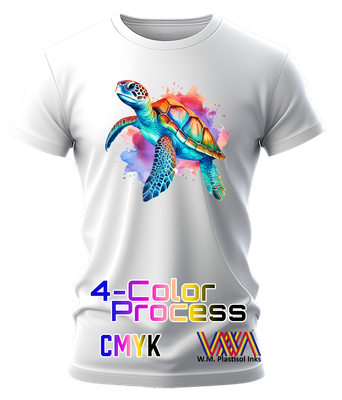
in this course we offer Photoshop training for color separation for Screen Printing and 4Color Process Printing.
Photoshop for 4Color/Process Printing
During this Class you will cover how to work with all of the essential tools of Photoshop. This Class is designed for customers that are 'intermediate',
already have a screen-printing shop and wish to expand into CMYK 4-Color separation.
Here is class outlined and areas we will cover:
-Optimal file specification -Working with different file Formats: JPEG, PNG, EPS, PDF, etc. -CMYK 4 Color Separation & Film Output
-Inkjet output settings for optimal black output
-Screen & emulsion selection & Preparation -Recommended Exposure time based on customer's light unit and emulsion
Class time:
Optional Class length:
4 hrs.
Contact by email for available dates: mario@floridaflex.com
What will you need for the Class?
- Laptop computer with installed/working edition of Adobe Photoshop (CS6 or Higher), Inkjet Printer and output film and designs for the class.